 Switch
Wi-Fi that keeps up with your home
Working from home, homework, a film in the evening, the doorbell camera, a teenager mid-game. It all depends on your Wi-Fi. I make it just work, and I tell you in plain English what I did.

A good evening at home
Everyone online at once
One of you is finishing a work call, one child is on homework, another is watching a film. Nobody asks whether the Wi-Fi is down.
Nothing to think about
The doorbell camera, the speaker and the smart heating all stay connected. You stop noticing the router.
Simple, not clever
Most Wi-Fi trouble comes down to a few causes: where the router sits, crowded channels, an old router, or settings nobody has looked at. Fixing it is usually quicker, and cheaper, than people expect.
Sound familiar?
- Your video call freezes just as it is your turn to speak.
- The film buffers and everyone looks at the router.
- The game lags in the bedroom but not in the living room.
- You have moved the router three times and it has not helped.
- The garden office or the loft never quite connects.
- The doorbell camera or smart speaker keeps dropping off.
Life at home, sorted
Whatever your household does online, here is how I think about it.
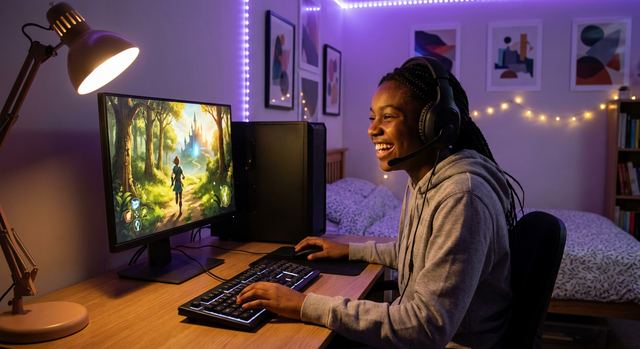
Evenings and weekends
Streaming, gaming and the whole family online at once. I check where the signal is weak, and why, so everyone can do their thing without a fight over the Wi-Fi.

Working from home
Video calls that do not freeze, a steady connection for the laptop, and a separate network for work if you want one. You look professional and stop worrying.
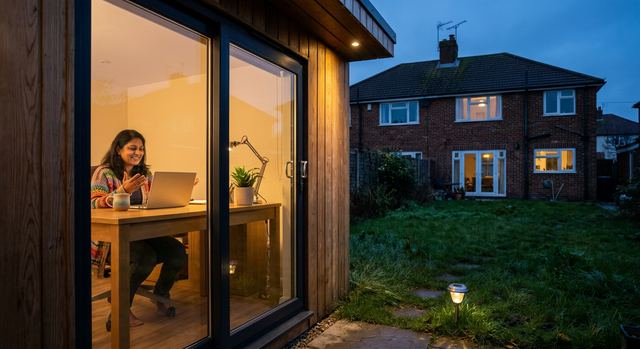
The garden office, loft or extension
A reliable link to the room that never quite connects: by cable where you can, and by a proper wireless link where you cannot.
What it costs
Prices are starting points. I confirm the exact price in writing before any work starts.
15-minute remote Wi-Fi check
A quick look. Tell me what is going wrong and I will tell you what is likely behind it. For our first 10 customers, new customers only, minimum job £75. Ends 31 January 2027.
Home Wi-Fi fix
I find out why, fix what I can with your own kit, and show you before and after speeds in the rooms that matter. A visit of up to 90 minutes.
Mesh or access-point set-up
Where one router cannot cover the whole home: mesh or access points, wired where you have network sockets, with separate guest and kids' networks. Typical equipment: about £150 to £600 depending on the home (indicative).
Remote support
Fixed over the internet, wherever you are in the UK. You watch every step. 30-minute minimum.
What fits your budget
| £0 | Ask me. The free remote check tells you whether you need to spend anything at all. |
| £89 | The Home Wi-Fi fix: the kit you already own, set up properly. |
| £250 to £750 | Set-up from £149 plus equipment, where the provider router cannot cover the whole home. |
Equipment ranges are indicative from UK retailer prices in November 2026 and change often. Equipment is quoted separately and agreed in writing before you buy.
How it works
Email me or book online. Tell me which rooms and what time of day is worst.
A remote check or a visit, then a price in writing before any work starts.
I change one thing at a time and measure the result in the problem rooms.
A short summary so you know exactly what is different.
Questions
Do I need to replace my provider router?
Often not. I measure first. If the line itself is at fault, I will tell you and show you what to tell your provider.
Can you do it remotely?
Often yes. Many settings and router problems can be fixed remotely. If a visit is needed I tell you before booking one.
Who buys the equipment?
Equipment is quoted separately and agreed in writing before you buy. I will not recommend what you do not need.
Where do you work?
Remote support anywhere in the UK. On-site in London and the surrounding areas for homes and small businesses, and anywhere in the UK for organisations.
Not your situation?
Pictures on this site are illustrations, not photographs of real customers.
Tell me what you need
Message me with the problem and some times that suit you. You get the price in writing before I start.